Itinerary

The whole trip on one page, and every day hour by hour.

Flights, stays, trains and places on one timeline. Plan each hour yourself, or let Traypass fill a day and swipe through real places picked around your trip.

Download on the App StoreFree to plan · iOS 26
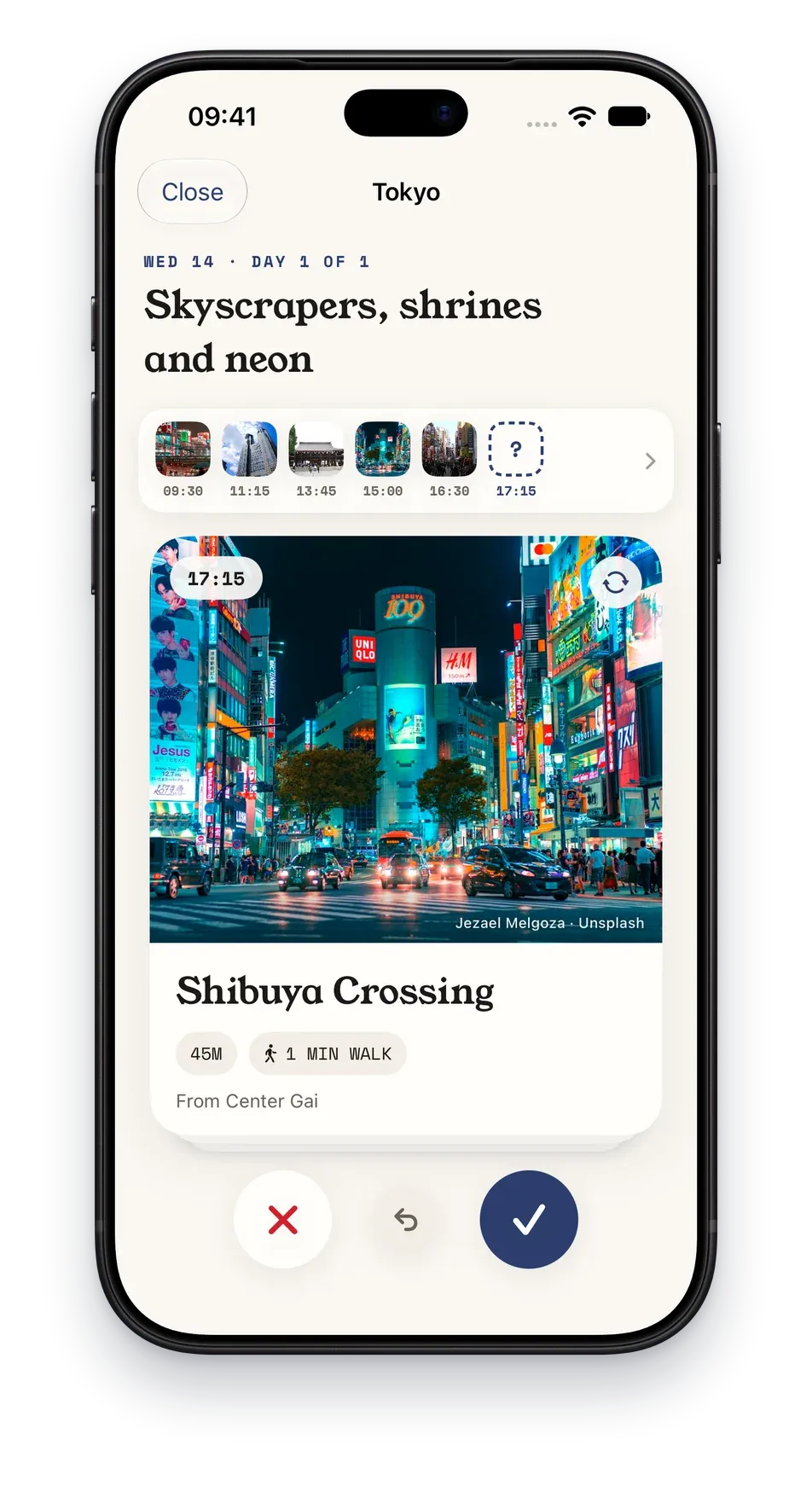
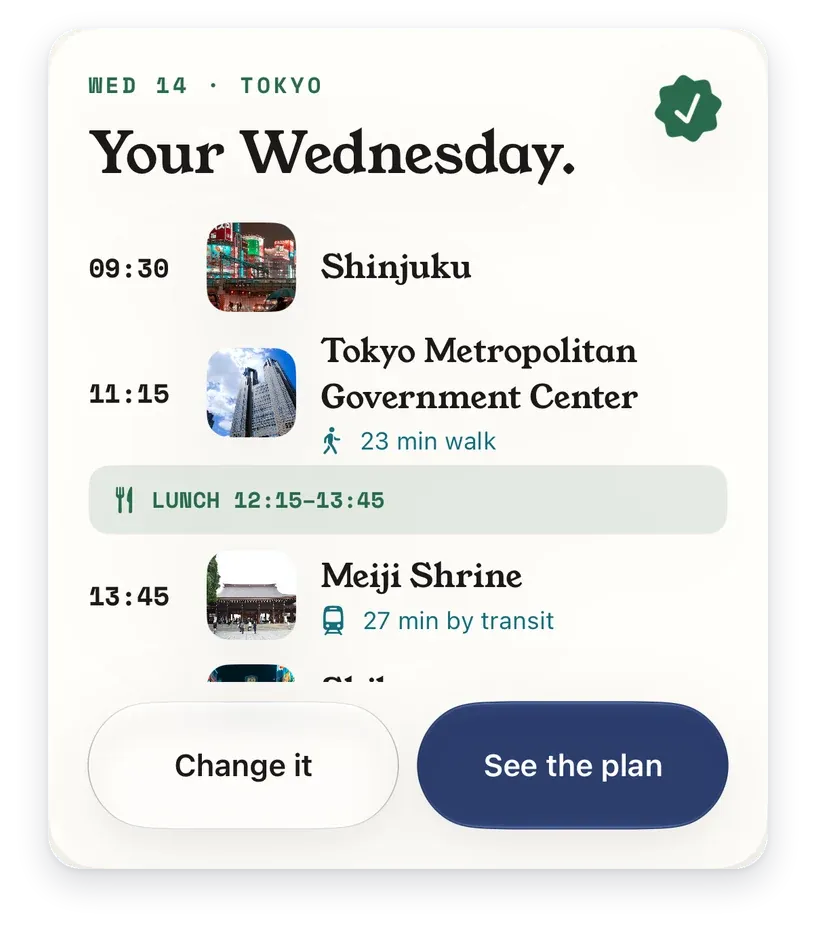
Traypass suggesting Shibuya Crossing for a day in Tokyo, on a card to swipeYour Wednesday: Shinjuku at 09:30, Tokyo Metropolitan Government Center at 11:15, lunch, Meiji Shrine at 13:45

How it works

  1. Add what you booked

    Type it in, or share the confirmation to Traypass. Your iPhone reads it and puts it in its place.

  2. Plan the days

    As a list, on a map, or hour by hour. Pick a stop up and put it somewhere else.

  3. Or let it suggest

    Ask it to fill a day or plan the whole trip, and swipe through real places. Nothing goes in without a tap.

See when a day does not fit.

Getting around takes its real time, so a packed day looks packed.

Suggestions around your trip.

Real places near where you sleep. Swipe to keep or skip.

Good to know, before you land.

The exchange rate, the plugs, and which side they drive on.

PRO

Free and Pro

Traypass

Freefor ever
  • The timeline, the itinerary, the map and the day hour by hour
  • Booking confirmations read for you
  • Three AI plans per trip
Download on the App Store

Traypass Pro

Weekly, yearly or lifetimeThe price depends on your region. You see it in the App Store before you pay.
  • Everything in Free
  • Thirty AI plans a month
  • More trips at once
Get the app

Questions

Questions

Yes. Plan it by hand on the list, on the map or hour by hour. The suggestions are there when you want them.

Your next trip, in one place.

Free to plan a trip, pack it and share it. iPhone, iOS 26.

Download on the App Store